How To
How To Print Photos: The Ultimate Guide to Quality Prints
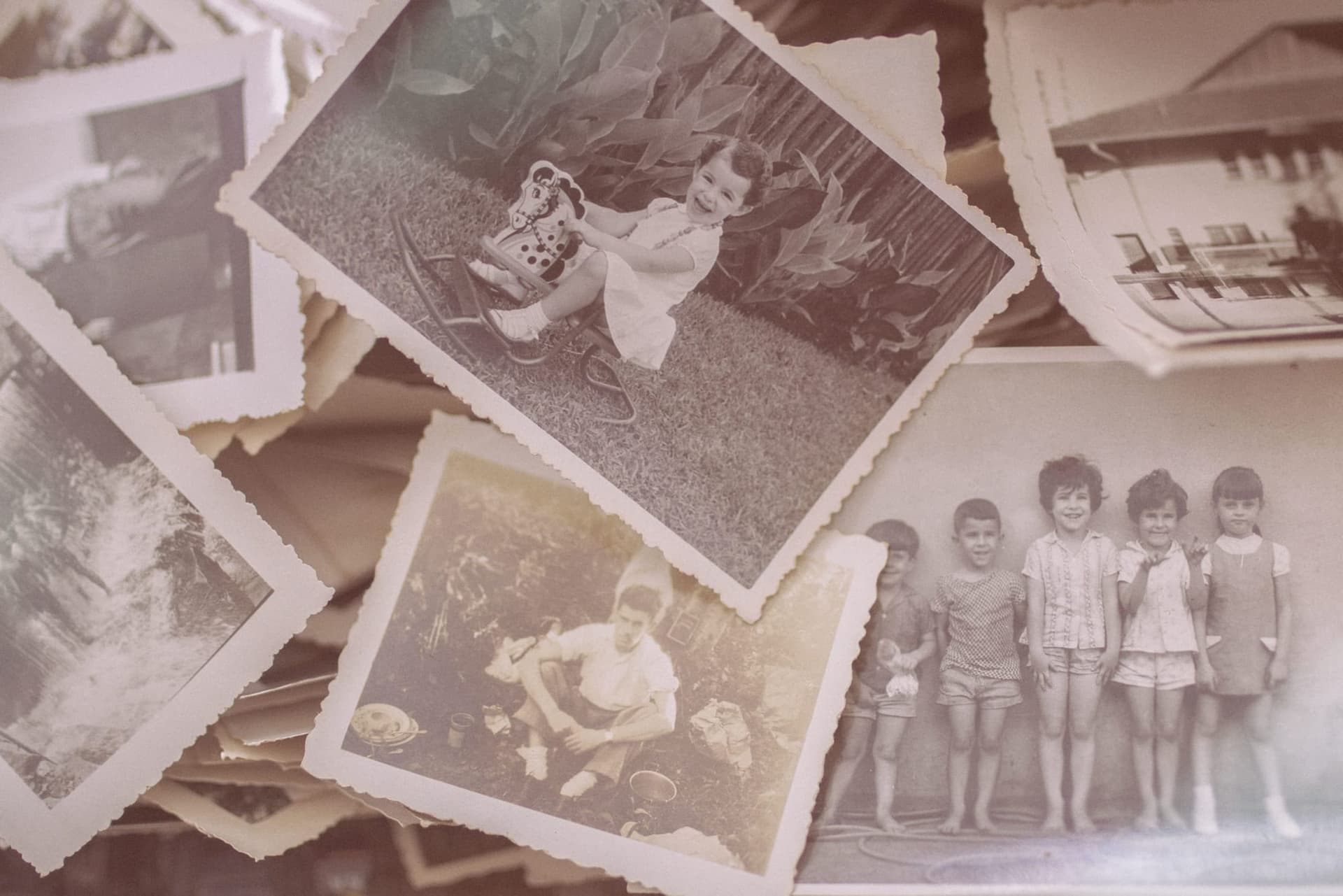
Do you ever scroll through your phone’s photos and wish you could have a physical print of your memories? Maybe it’s a special picture of your kids or a fun vacation that was taken years ago when digital cameras were just becoming popular, but it still holds sentimental value today. It can be overwhelming to figure out how to print photos from your phone, but it doesn’t have to be.
We all take pictures with our phones now and saving those memories in digital form is great, but there’s something special about having prints of favorite photographs. If you want to get quality prints that will last through the years, it’s important to understand the basics of how printing works so you can make the right decisions and get beautiful results.
Printing photos can seem complicated if you don’t know where to start but it doesn’t have to be. We sympathize with your struggles in trying to find a reliable way for you to get high-quality prints of your most precious memories and that’s why we’ve put together this guide on how to print photos from your iPhone.
Whether you’re looking to make prints for yourself or you want to give them as gifts, you can easily do it with the right knowledge and resources.
Choosing The Right Photo Printer
There are a few things you’ll want to keep in mind before choosing a printer. First, consider the print quality you need. If you’re just printing photos for your enjoyment, then a lower-end photo printer will suffice.
However, if you’re looking to print professional-quality photos, then you’ll need to invest in a higher-end photo printer.
When comparing printers based on the print method, there are three main types: inkjet, dye sublimation, and laser.
Inkjet printers are the most common type of printer today and the way they work is pretty simple. They use tiny nozzles to spray droplets of ink onto a piece of paper. The nozzle moves back and forth across the paper, building up the image one row at a time.

While they are efficient in terms of ink usage, they don’t produce the most stunning photo prints. This is because the ink tends to be carried sideways sometimes, causing blurred effects on some papers.
Dye Sublimation printers, on the other hand, work by using heat to transfer dye onto materials such as fabric, paper, or plastic. The printer first prints a pattern of tiny dots onto a sheet of paper coated with wax. Then, the sheet of paper is placed on top of the material to be printed on. When the two are passed through a heated roller, the wax melts, and the dye is transferred onto the material. The result is a high-quality, full-color image.
Dye-sublimation printers are typically used for special applications such as printing flags or banners. They are also becoming increasingly popular for use in t-shirt and apparel printing, as well as collage prints.
Laserjet printers work in a similar way to dye-sublimation printers, but instead of using dyes, they use toner. Toner is a dry powder that is transferred to the material to be printed using heat and pressure. Laserjet printers are typically used for printing documents, as they produce crisp, clean text, but are not great for photo prints.
Print Size
Print sizes are important and you should first determine the appropriate size for your intended use. You’ll need to make sure your framed photo prints fit your custom framing choices, for example. There are also different sizes for lockets, wallet prints, wall décor, canvas prints, and so on.
Online Photo Printing
Nowadays, numerous printers can print wirelessly. This is great for people who want to print photos from their camera phones, laptops, or tablets without having to transfer files to a computer first.
Before buying your printer, you should ensure that the online printing mode is compatible with your devices.
Surface Finish
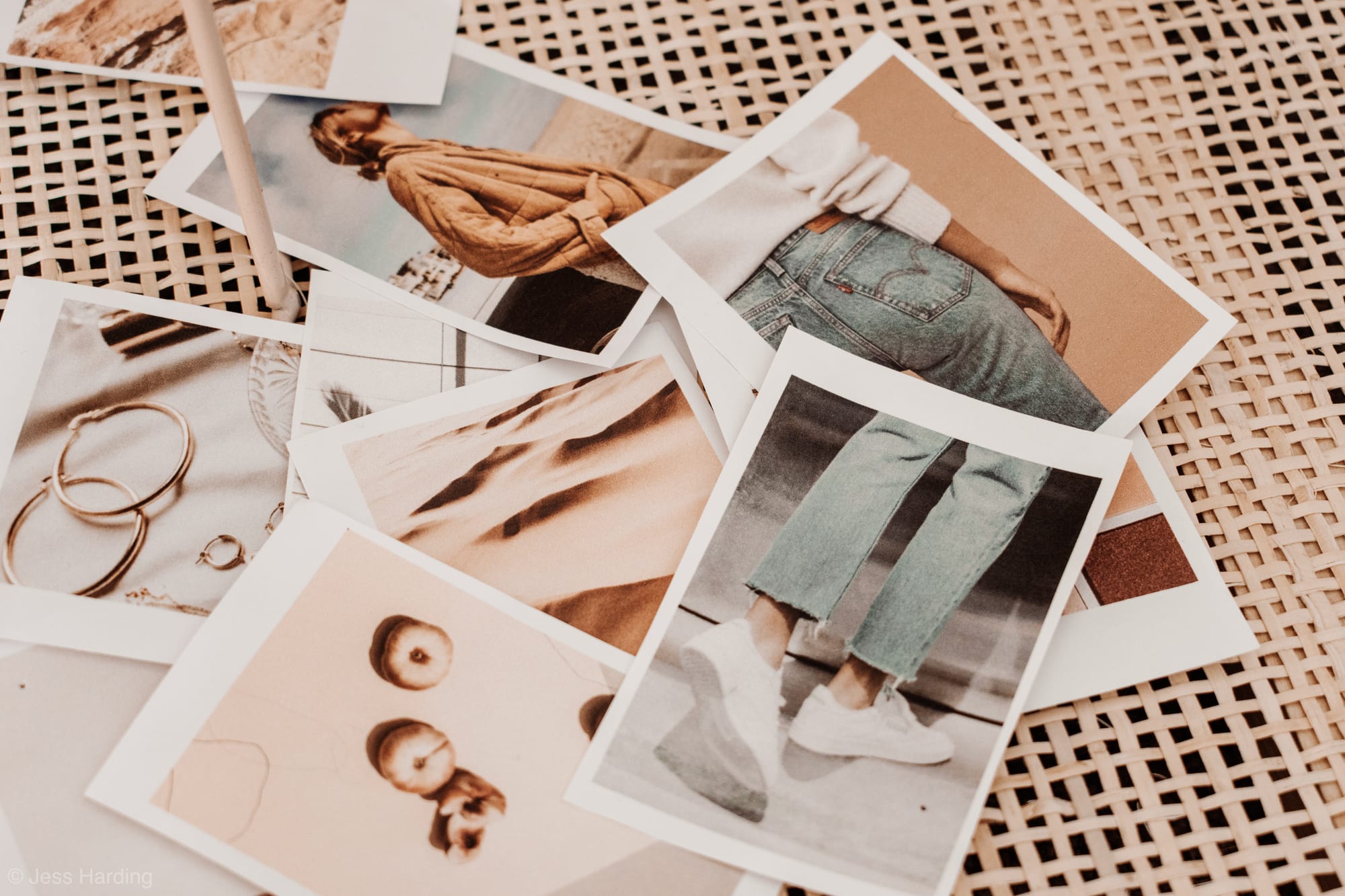
The surface finish of your material will have a big impact on the final result. There are different types of surface finish, and each one can produce a very different effect.
The three main types are glossy, matte, and metallic finishes.
Glossy
A glossy surface finish gives printed materials a shiny, reflective surface. They are often the best option for high-quality printing as they provide superior protection against UV light and scratches. They also generally give printed materials a sophisticated and professional look.
They are commonly used for book covers, magazines, photo books, and other printed materials that require a high level of durability.
Matte
A matte surface finish is a popular choice for print projects that require a non-glare finish. It can make colors appear muted, so it is not the best choice for projects that require vibrant colors like photo books.
A matte finish is ideal for images that will be viewed up close, such as photographs or detailed illustrations. It also works well for text-heavy documents, as it helps to reduce glare and make the text easier to read.
Metallic
Metallic surface finishes have a soft shine that is not quite as reflective as glossy ones.
They are ideal for print projects that require a bit of extra pizzazz, such as invitations or marketing materials. It can also be used to add an element of luxury to print projects, such as photo paper cards, business cards or thank you cards.
Other Surface Finishes
Satin, pearl, and luster covers have various degrees of sheen and are in the gloss-matte range.
Weight And Thickness Of Paper
The weight and thickness of the paper are also important considerations before you print. Paper that is too thin or too light will not provide enough support for the ink, resulting in smudging or bleed-through. Conversely, paper that is too thick or too heavy can be difficult to feed through a printer and may cause jams.
The ideal paper for printing photos is usually somewhere in the middle range in terms of weight and thickness. It should be thick enough to provide support for the ink but not so thick that it causes problems with the printer.
In terms of weight, photo paper is typically measured in grams per square meter (gsm). Papers with a gsm of around 200–300 are generally considered to be good for printing photos.
Convert Your Pictures To CMYK
When you print photos, there are a few things to keep in mind to get the best results. One of the most important is the color mode. Most digital cameras take pictures in RGB (red, green, blue) color mode. However, print shops use a different color mode called CMYK (cyan, magenta, yellow, black).
If you try to print a photo that is in RGB color mode, the colors will likely come out looking muted and washed out. Therefore, it’s always best to convert your photos to CMYK before printing them.
You can usually do this using your computer’s photo editing software. Once you’ve converted your photo to CMYK, it will be ready for printing and will look its best.
Choose The Right DPI To Print Photo
The next step is to choose the right DPI or dots per inch. DPI is a measure of print resolution, and it directly affects print quality.
For example, if you print a photo at a low DPI like 72, it will look pixelated and blurry. However, if you print the same photo at a high DPI like 300, it will be crisp and clear.
Therefore, when printing photos, you should always use a high DPI. This will ensure that your prints come out looking their best.
Crop Your Photos Properly
Occasionally, when you take a picture, there might be something that popped up in the frame that you never noticed. Perhaps a random person walked through the background of your otherwise perfect sunset photo, or your finger is obscuring part of the image. These types of problems can often be fixed by cropping the photo.
As you crop your photo, you should also ensure that you adjust the composition accordingly. For example, if you crop out the extra space around a person in a photo, they’ll appear closer and more central in the frame. Or if you crop out a distracting element, the overall photo will look cleaner and more focused.
When done correctly, cropping can dramatically improve the quality of a photo. So next time you’re printing out photos, take a few minutes to crop them first – your pictures will look all the better for it.
Enhance Your Images
In the age of digital photography, it’s easy to take for granted that our photos will always look perfect. However, when it comes time to print those photos, the reality is that they often fall short of our expectations. The colors may be off, the exposure may be too dark or light, and there may be other imperfections that are only visible when the photo is enlarged.
If you’re planning on printing out your favorite photos, it’s always best to enhance them first.
That’s where we come in place. We are MemoryCherish, the #1 photograph restoration company nationwide!
With a little description, we will enhance your low-quality images and bring them back to life, exactly how you imagine them to be.
Conclusion
Printing photos doesn’t have to be intimidating or overwhelming. With the right knowledge and resources, you can easily get quality prints of your favorite memories in no time. Be sure to check the image quality and resolution before printing and research different services so you can find one that fits your needs and budget. Don’t be afraid to think outside the box and get creative with print products like photo books or calendars, it’s a great way to give a unique gift!
Can I print photos from my phone?
You can easily print photos from your phone with the right knowledge and resources. Be sure to check the image quality and resolution before printing and research different services so you can find one that fits your needs and budget.
Where should I go to get quality prints of my photos?
You can print your photos at home, at your local printing center, or use a professional service like MemoryCherish. We provide high-quality prints at affordable prices so you can have beautiful pictures of your favorite memories without breaking the bank.
Can I get creative with my prints?
Absolutely! You can create custom greeting cards, create photo books, or make a calendar to give as a unique, one-of-a-kind gift. Have fun with it and get creative!
By following these easy steps and using MemoryCherish to restore your old photos, you can easily turn those precious memories into beautiful prints that will last a lifetime.
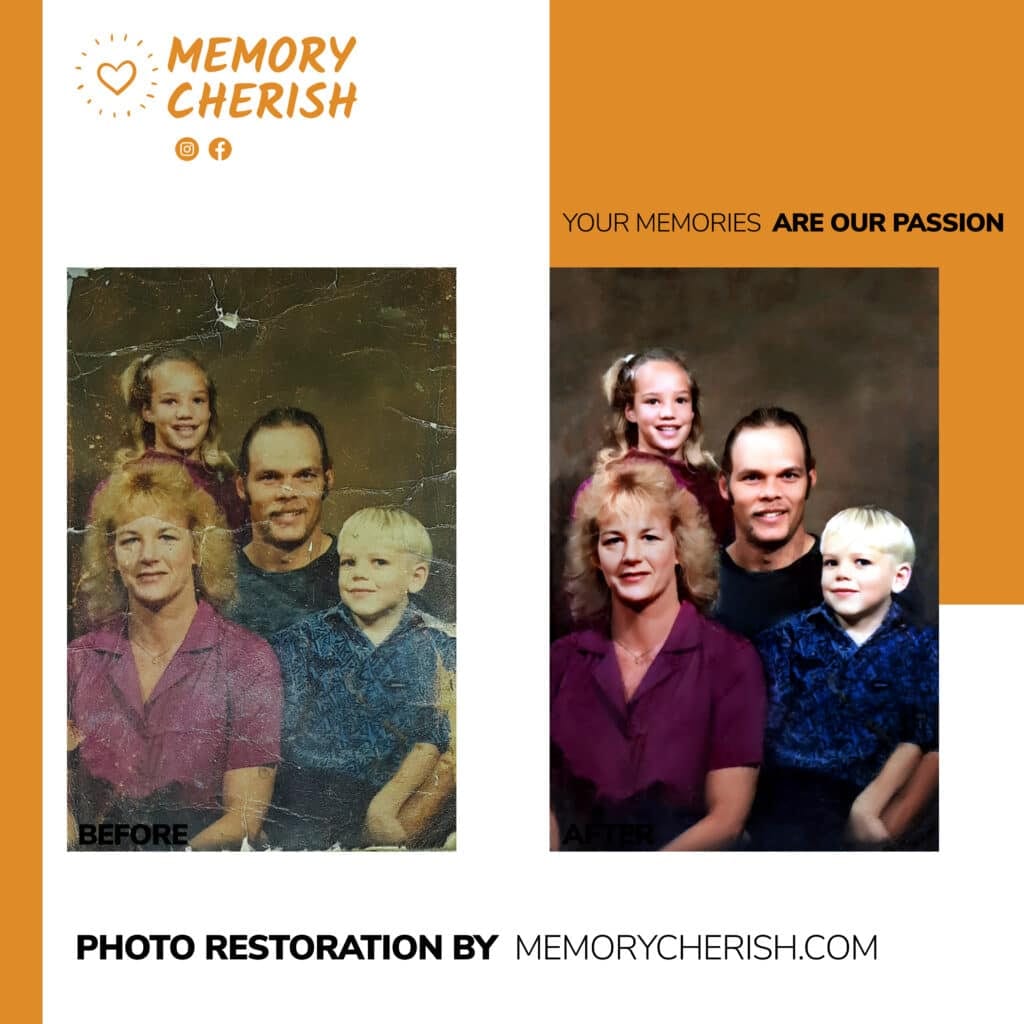
How Do We Fix Your Picture?
Our specialty is the restoration of blurry and old photos!
Our restoration artists will closely examine and enhance your blurry image, remove stains, mold, blur, refine and add more detail and color to each picture.
No matter how many photos you want to fix, we won’t stop until they are in the best photo resolution. We can handle any damage to any photograph!
Our commitment to producing stellar quality restoration service has even landed us on news reports by ABC, NBC, and FOX news.
What Do I Need To Do?
First, you need to make your print photos clean and ready for restoration. You can check out how to clean your old pictures here.
Next, you need to carefully make photo scans of them. Then, you upload it here and pick your restoration options.
You place your order, and that’s it!
How Long Does It Take?
We would restore and send a digital copy of your sharpened image back to you by email in as little as 24 hours. If there is anything you would like us to change on your restored image, revisions are allowed on every restoration, completely free!
We also offer nationwide delivery of your enhanced photo prints!
Can I Contact Someone For More Information?
Our customer support is available 24/7 to answer any further questions. You can send us an email at: support@memorycherish.com.
Ready to restore your own photos?
Our artists bring your damaged photos back by hand, most within a few days.
Rated 4.96 out of 5 stars.4.96/5 · Loved by 400,000+ families