
General
The Benefits of Using a Slide Scanner
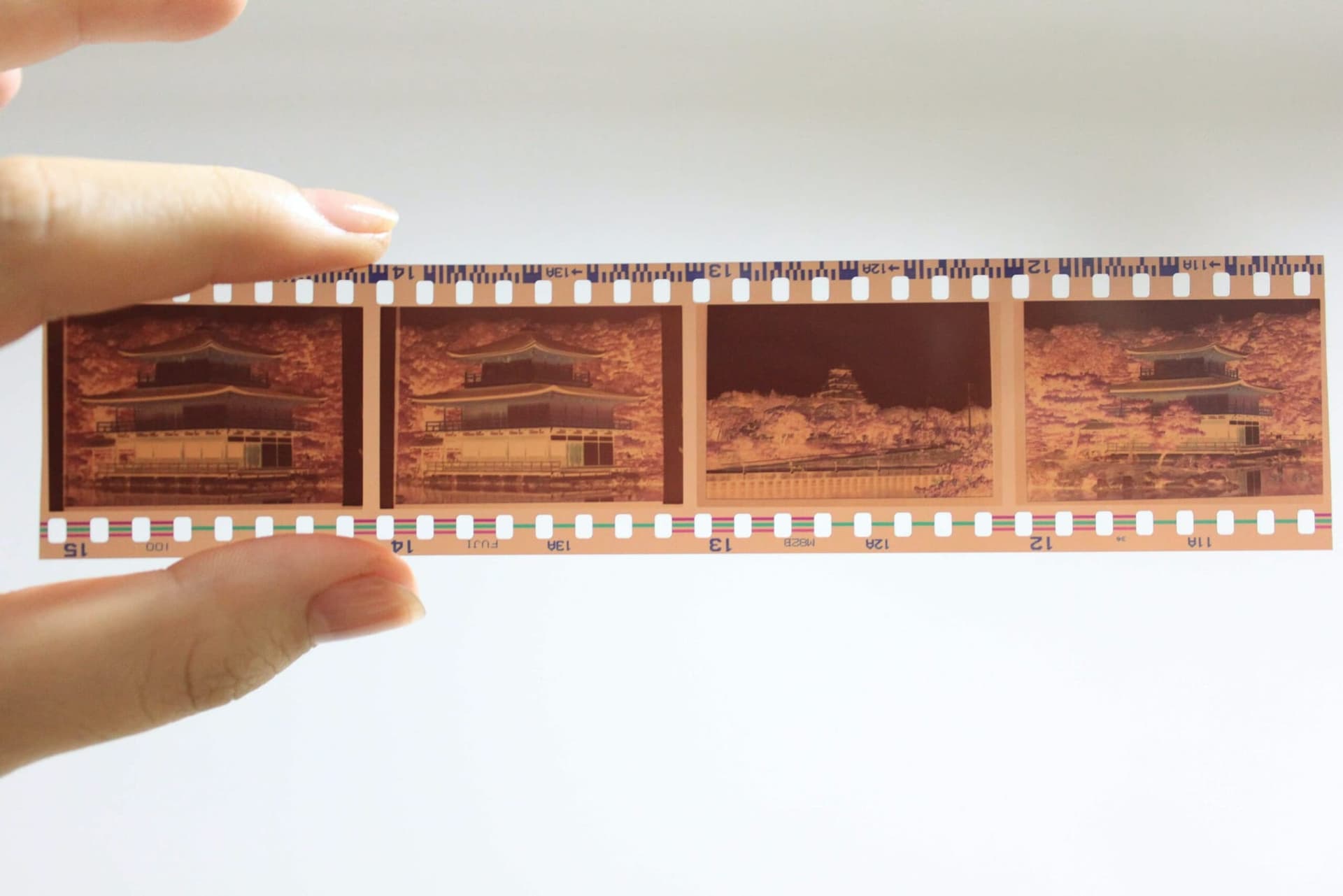
Slide scanners are becoming more and more popular, especially in the photo restoration and preservation industry. Whether you're preserving your old memories or archiving important documents, slide scanners can help you get the job done quickly and efficiently. But with so many options out there, how do you choose the right slide scanner for your needs?
Flatbed scanners are one of the most popular types of slide scanners on the market today. A flatbed scanner uses a flat transparent plate to scan items placed onto it. It works by passing a beam of light over the surface of the item and recording any differences in its reflection. This information is then converted into an electrical signal that can be read by computers and other devices. Flatbed scanners are great for scanning large areas at once since they don't require manual movement as some portable scanners do.
What Do Slide and Negative Scanners Do?
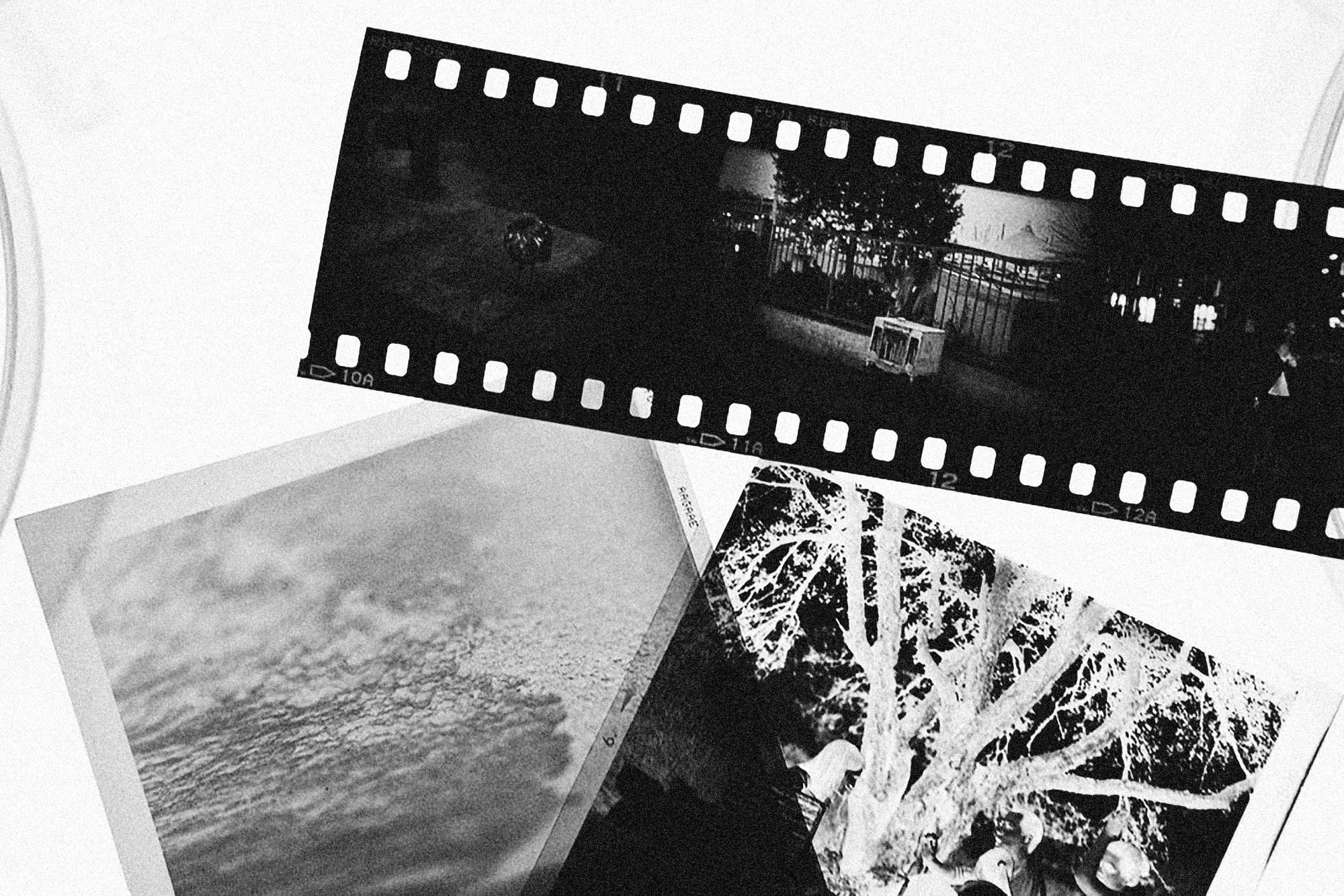
Slide and negatives scanners are devices used to digitize physical images into digital formats. They use a process known as scanning to capture the image from both slides and negatives, allowing them to be viewed, shared, and edited digitally. The scanner will create a digital file that can be stored in various file formats, allowing for easy access and manipulation of the photos.
Slides and negatives scanners come in many shapes and sizes. Some are designed for use with film strips while others are designed specifically for scanning slides and negatives. In some cases, an adapter may be needed to make the scanner compatible with a particular type of film or slide. Scanners that feature multiple resolution settings allow users to save their images at different sizes while still preserving high-quality results.
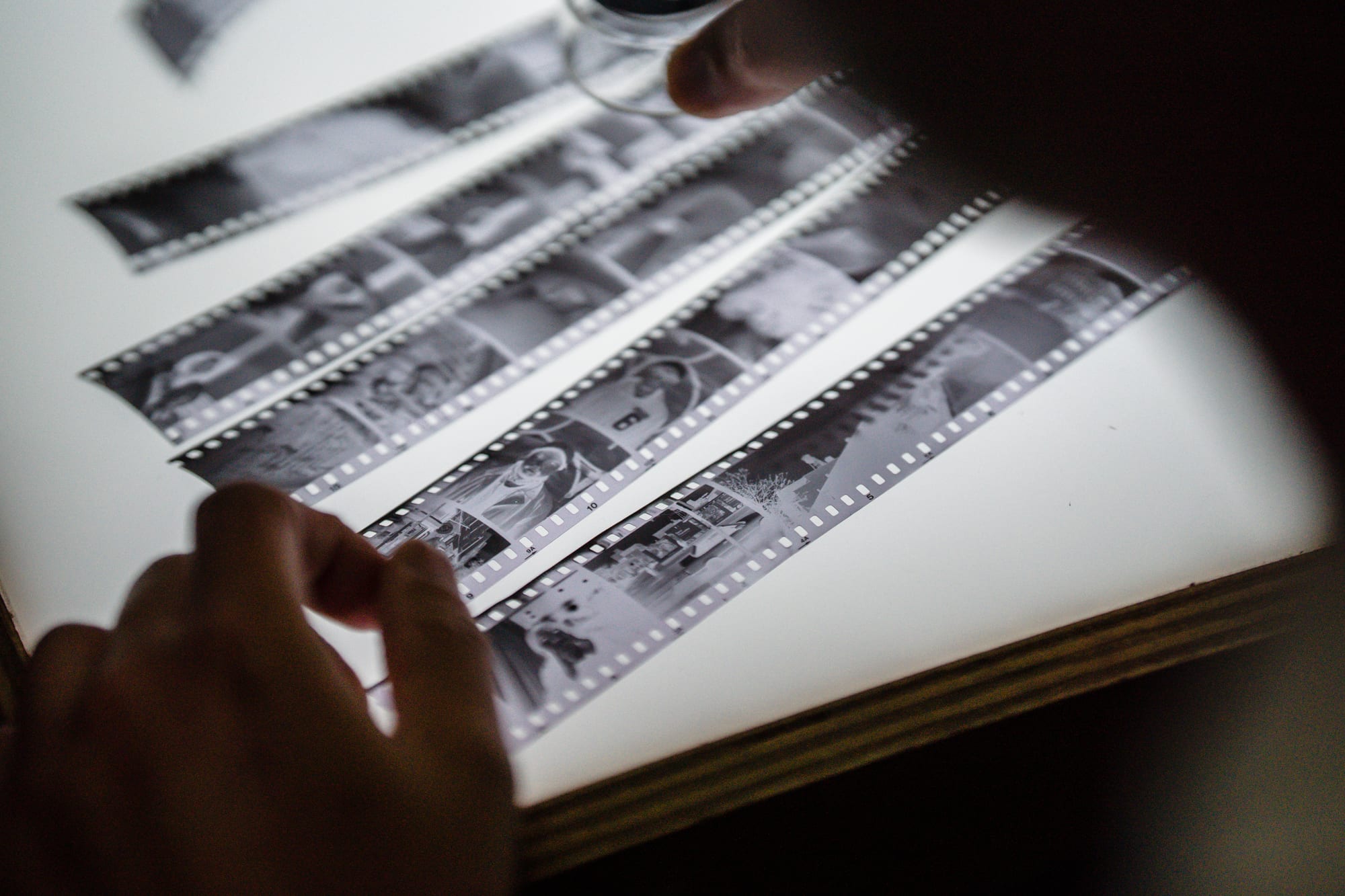
When preparing prints for scanning, it's important to ensure that they're clean and dry before placing them on the scanner bed. Dirt or moisture can interfere with the accuracy of scans resulting in pixel artifacts or smudged details in the final product. Additionally, care should be taken when handling slides or negatives so as not to cause any damage which can result in scratches or other marks on the prints before being scanned.
Slide & negative scanners have become increasingly popular due to their affordability compared to traditional darkroom printing methods. Thanks to advances in technology, these scanners now include features such as auto-cropping, color correction, dust removal, sharpening, brightness adjustment, contrast adjustment, and image orientation adjustment - making it easier than ever before to restore old slides & negatives into beautiful digital keepsakes.
These scanners also provide two scanning modes: reflective scanning (for documents & magazine pages) & transmissive scanning (for slides/negatives). Having this range of options ensures you can scan photos from your home albums as well as preserve memories from old 35mm film rolls with ease - so you never miss out on capturing special moments in life!
Shopping for a Flatbed Scanner
When shopping for a flatbed scanner, consider factors such as size, resolution, color accuracy, speed, compatibility with different operating systems, price range, and ease of use. Generally speaking, larger scans will require higher resolutions which translates to better image quality but also higher cost. Additionally, if you plan on scanning color slides or negatives, it's important to make sure that your scanner has an appropriate color profile included with it. Scanning speeds vary from model to model so take note of this when comparing different models. Also, keep in mind that some flatbed scanners may only be compatible with certain operating systems so be sure to check this before making your purchase.
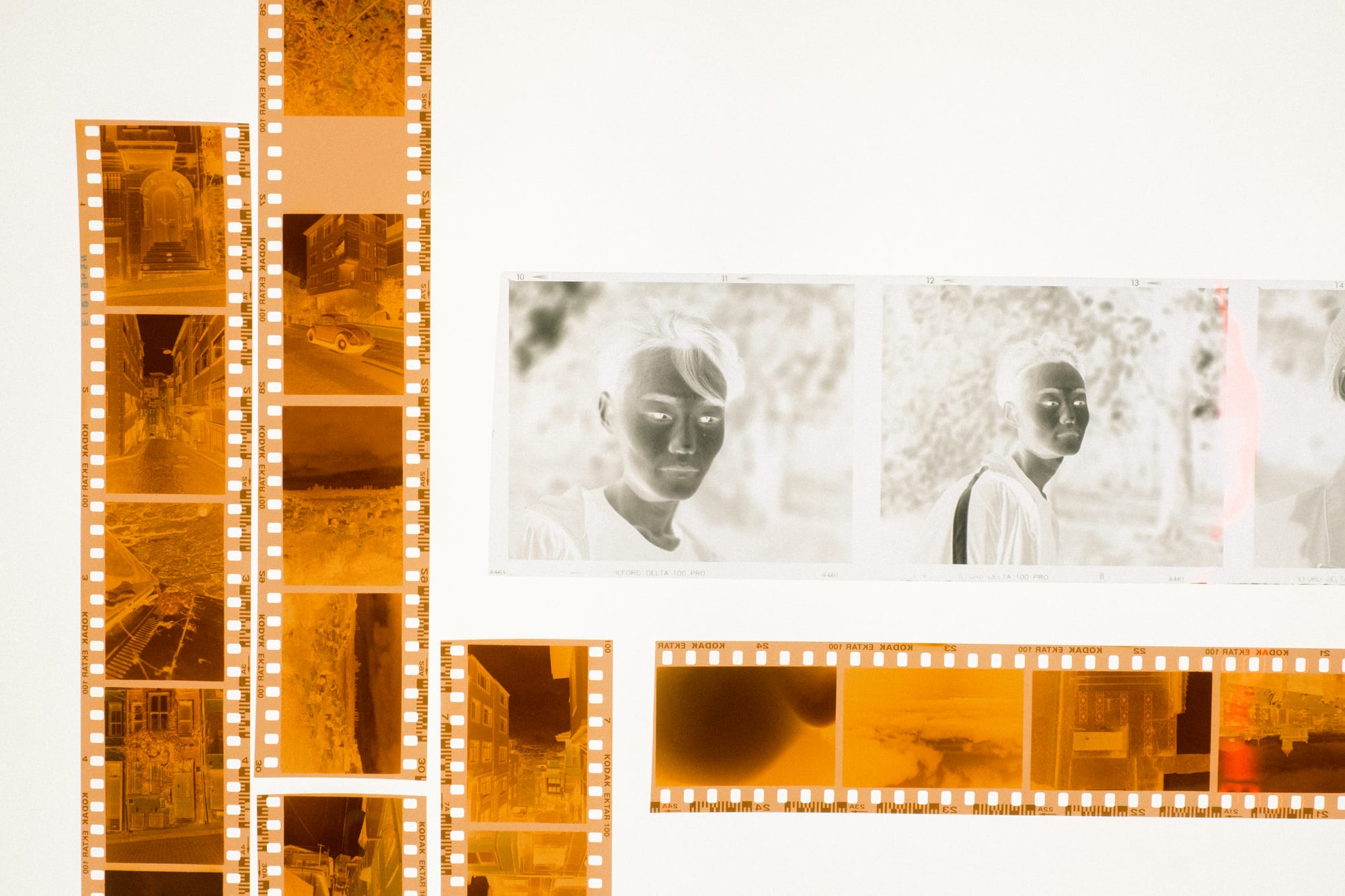
In terms of ease of use, many modern flatbed scanners come with intuitive user interface software that makes scanning simple. Some even have features such as automatic cropping which can help reduce time spent on tedious tasks like manually cropping images after they've been scanned in. Additionally, look for features such as dust detection which help to ensure that all areas within your scanned image are free from dirt or dust particles before being saved or printed out. Finally, be sure to shop around for a good deal! Prices on flatbed scanners can vary greatly depending on the brand and features offered so it pays to research and compare prices before making a purchase decision.
Overall, slide scanners offer an incredibly convenient way to preserve old photos or documents without having to worry about manually moving them around during the scanning process as some portable slide scanners require. When choosing a flatbed scanner for your needs remember to think about resolution capabilities, color accuracy support, speed ratings as well as compatibility with different operating systems when making your choice! With today's advanced technology at our fingertips, it's never been easier to preserve those precious memories than ever before!
When selecting a scanner for slides and negatives, it’s important to consider the features that each one offers. Many slide and negative scanners now come with advanced features such as auto-cropping, color correction, dust removal, sharpening, brightness adjustment, contrast adjustment, image orientation adjustment, and more. Additionally, these scanners often provide multiple resolution options so that you can save images at various sizes while preserving the highest possible quality.
It's also worth considering whether the scanner offers both scanning options - reflective scanning and transmissive scanning. Reflective scanning is used when scanning printed materials such as documents or magazine pages while transmissive scanning is used when dealing with slides or negatives. Whether you are looking to scan photos from your home album or preserve memories from an old 35mm film roll, having the right option available can mean all the difference in getting the most out of your scans.
How To Use a Slide Scanner
When using a slide and negative scanner, you must take care of your prints before scanning them. This includes cleaning any dirt off of slides and negatives with a soft cotton cloth or a camera blower brush before placing them on the scanner bed. It is also important to ensure that all prints are dry before being scanned as moisture can interfere with the accuracy of scans by causing pixel artifacts in digital images. With this in mind, carefully turn each slide over before loading them onto the scanner bed if the liquid has been spilled on them recently – otherwise, they might stick together leading to smudged details in your scan results.
Alternatives To Buying a Negatives Scanner
Slide and negative scanners are a great way to preserve old photos and documents, they require an upfront investment that not everyone may be willing to make. However, there are other options available for those who don't want to invest in a scanner for just one project. It might be the best idea to use professional services.
At MemoryCherish, we understand the importance of preserving memories and ensuring that your photos or documents from the past remain sharp and clear even years later. We provide services such as slide and negative scanning, restoration, and digitization so you can relive those special moments in the comfort of your home.
With our advanced technologies and experienced professionals, we can scan slides and negatives with high resolution and accuracy. All scans are done with a high-resolution scanner to ensure that each image is captured in its original form without any loss of quality. We also make sure to clean each slide before scanning it so that dust or other particles don't interfere with the accuracy of the scan. Furthermore, our scanner can detect areas in images that require restoration and then proceed to touch up those sections digitally so that all imperfections are removed from the final product.
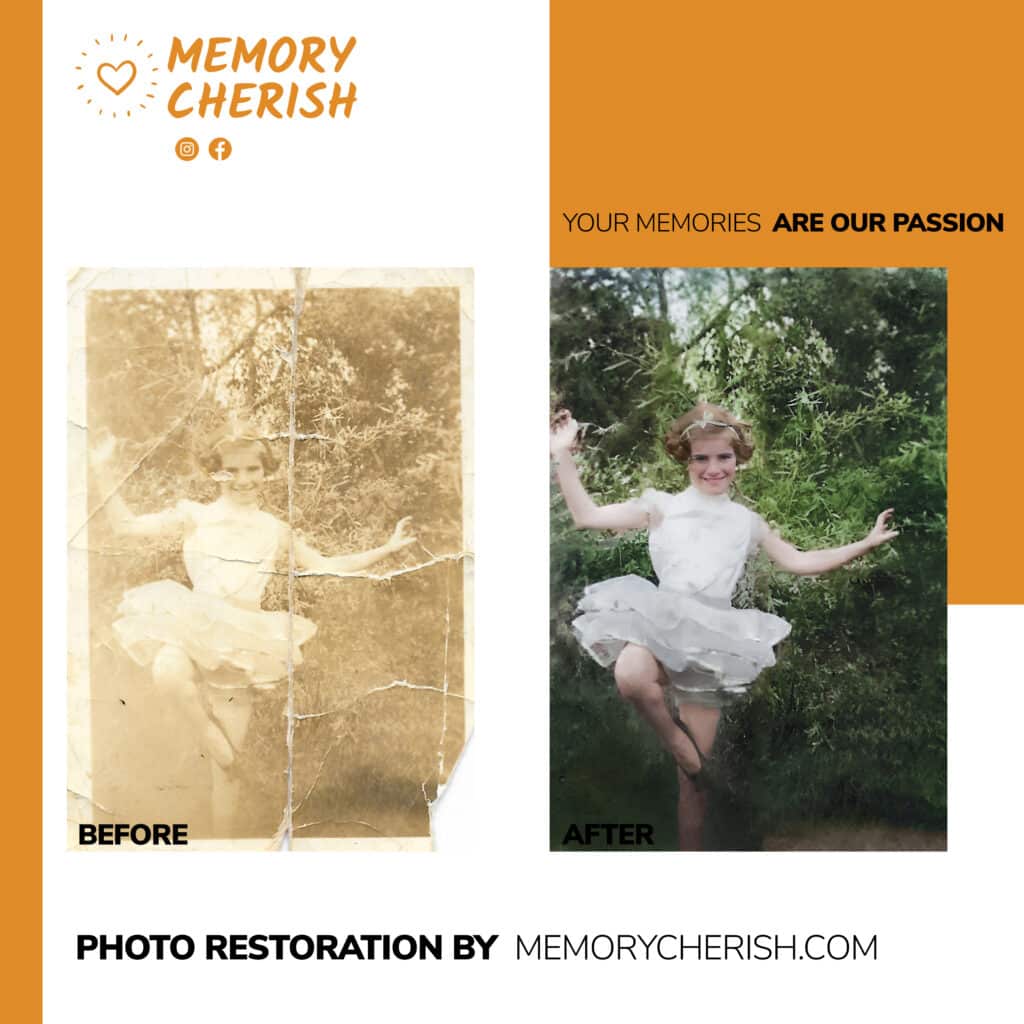
What sets us apart from other companies is our ability to restore faded slides or negatives to their original state. Using a combination of color adjustments, curves, contrast enhancement, etc., we can bring colors back to life for your photos to look as vivid as when they were taken decades ago. Additionally, once scanned into digital format, you have complete control over how your photos are stored by allowing users to save them directly onto their devices or cloud storage systems such as Dropbox or Google Drive.
We believe that everyone should be able to go back in time whenever they want and enjoy those precious memories that they may not have otherwise been able to appreciate due to fading negatives or slides. Our services help make this possible by transforming physical prints into digital copies which are more accessible than ever before! So don't let memories slip away – let MemoryCherish help you capture them for years of enjoyment!
How to Place Your Photo Restoration Order with MemoryCherish
No matter how many photos you might have, placing your photo restoration order has never been easier. You may upload your photographs using MemoryCherish’s order page. You will then be required to fill out the form, indicating your name and email address. Click the “Upload” button to select the images that you want to restore.
Next, personalize your order by adding prints. You may also request colorization for your photos.
Once you picked all the options above, you need to choose the processing speed. You can pick from the standard and priority options, which would take three to five business days or 24 hours, respectively.
Lastly, hit the “Add to Cart” button and type your payment information before submitting.
Individually Restored
It is easy to can find a photo restoration company that promises to get the job done right the first time for a lower price. However, most of these companies tend to use automated software to work on their projects. This eliminates accuracy as it is challenging to catch all the details in one go.
Fortunately, at MemoryCherish, our team of artists restores every photo by hand, spending several hours at their working tables to ensure that images are visually stunning and crisp. We pay attention even to the tiniest specks on your pictures to ensure that you’ll get the most out of your investment.
A lot of our works have already been featured in the biggest media outlets, including ABC, NBC, and FOX.
Our Services
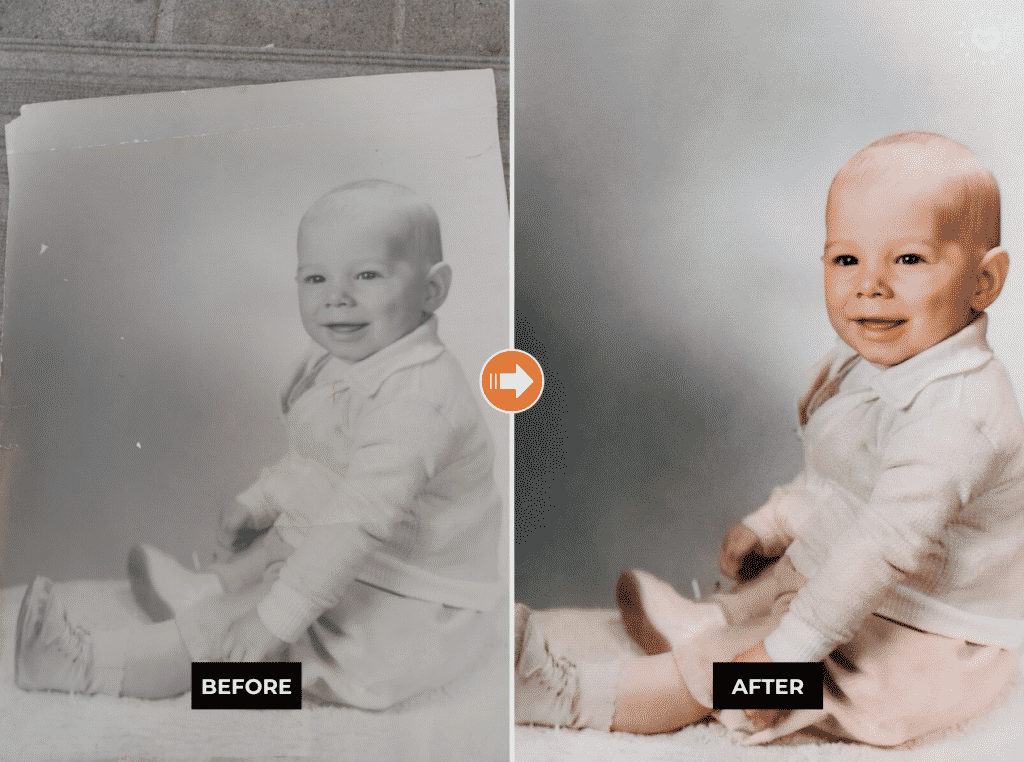
MemoryCherish offers a wide range of photo restoration services to help you cherish old memories. Our services include:
- Colorization
- Color correction
- Photo upscaling & resizing
- Detail restoration
- Background replacement & enhancement
- Water & mold image restoration
Costs
Prioritize quality over the price tag. Photo restoration is an endeavor that you hope to get right the first time, so it’s best to work with the pros. MemoryCherish can restore your pictures for $38 per photo. The final costs, however, may vary, depending on the customization options that you have selected.
Revisions
Since you will be spending your hard-earned money on your precious photographs, you want everything to be nicely done. If you are still unsatisfied with our work, you are entitled to one round of revisions free of charge for the retouches.
When sending back the photos for revision, it’s best to indicate the specific things you want to see in the restored pictures.
Got Questions?
If you find the photo restoration process overwhelming or if you have other questions, you may always send us an email at support@memorycherish.com. We’ll be more than happy to get back to you as soon as we can to help you make the right decision.
Trust the Experts!
Do you have old photographs that have faded or deteriorated over time due to exposure to ultraviolet rays, pollutants, or acid burns? Worry not! We are here to help you give your pictures a brand-new look so you can hold the memories for years to come. Our portfolio speaks for us.
Ready to restore your own photos?
Our artists bring your damaged photos back by hand, most within a few days.
Rated 4.96 out of 5 stars.4.96/5 · Loved by 400,000+ families