General
Image Resolution Calculator: How to Optimize Your Images for the Web
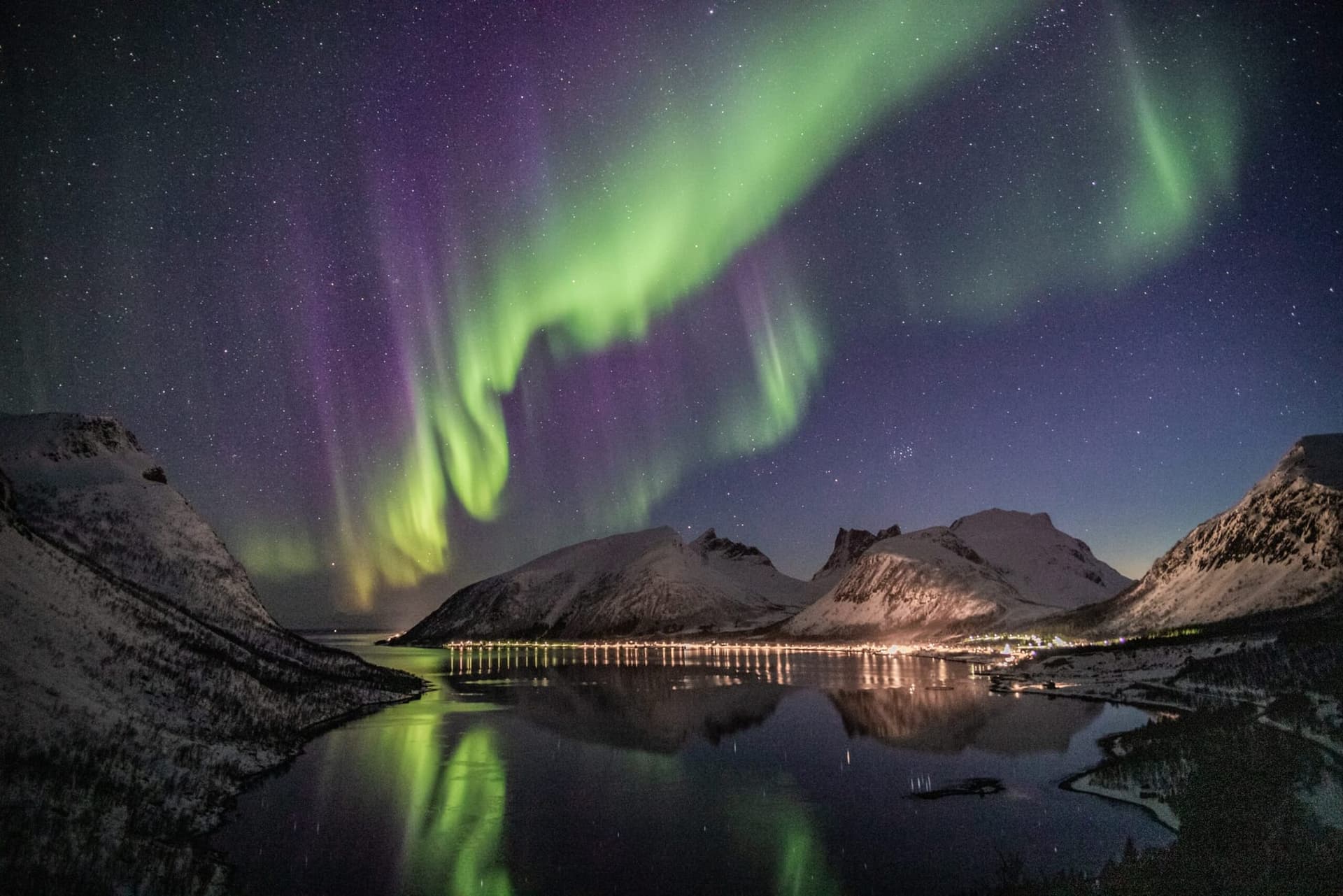
In the world of digital imaging, resolution is everything. You always want your images to be as high-resolution as possible so that they look crisp and clear on-screen.
However, you may be wondering what exactly the resolution of an image is, how it affects picture quality, and how to calculate it.
In this article, we'll discuss image resolution calculator and how to optimize your photos for optimum results when printing photographs or posting them online. So, whether you're a beginner or an expert, this post is for you!
Image Resolution
The resolution of an image is a measure of its quality, usually in terms of pixels. Each pixel is a tiny square that carries photographic detail - red, green, and blue, and when you string a bunch of individual pixels together, you get an image.
Because it contains more information, an image with more pixels will have a good display and print quality. Accordingly, the less amount of pixels in the image, the lower the resolution, and the more pixilated or "fuzzy" it will appear.
Here are five important factors that determine an image's resolution.
Image Aspect Ratio
This is the ratio of an image's width to its height. It's typically expressed as two numbers separated by a colon, such as 16:9 or 4:3. The first number represents the image width, while the second number represents the image height.
Aspect ratios affect the resolution by changing an image's width or height. For example, if you change the aspect ratio of a 1920x1080 image from 16:09 to 04:03, the resolution would drop from 1080p to 720p
Dots Per Inch (DPI) & Pixels Per Inch (PPI)
These two units measure the pixel density in an image.
Dots per inch (DPI) refers to the number of physical dots that can be placed in a line within the span of an inch, on a print medium. Conversely, pixels per inch (PPI) refers to the number of digital pixels in a digital image.
When an image has a high DPI & PPI, it will be packed with more pixels resulting in greater detail and resolution.
Pixel Dimensions
This is the measure of a picture's aspect ratio in pixels. They are used to determine how many pixels are present in a digital scan.
For example, a photograph with a 16:9 aspect ratio scanned at 300 DPI would have dimensions of 4800 x 2700 pixels.
Print Size
This is the size of the medium in which your picture will be displayed, and various sizes are suited to different resolutions. If your display is tiny, you may use a lower resolution, such as a small phone. However, if you're showing an image on a larger display, you would need a higher resolution image.
Image Size
This is the measure of how much disk space an image file will take up. Image size is usually larger than pixel dimensions, as it includes file headers and other data. For example, a JPEG image with 4800 x 2700 pixels would have a file size of approximately 12 megabytes.
What's the Best Image Resolution for My Website?
The answer to this question depends on a few factors, including the type of image you're using and the desired image quality. For example, if you're looking to add a photo to your website's homepage, you'll want to use a high-resolution image so it looks clear and sharp on all devices. On the other hand, if you're simply adding an image to a blog post or article, a lower resolution may suffice.
To determine the best image resolution for your needs, start by considering the image file format you're working with. JPEGs are generally best suited for photos or images with lots of colors, while PNGs work well for screenshots, text-based images, or line drawings. Once you've determined the file format, you can then calculate the image's pixel dimensions.
Image Resolution Calculator
Now that you know the resolution formula and have all of the necessary information, you can use an image resolution calculator to make sure your images are properly sized for the web.
An image resolution calculator is a tool that allows you to input all of the necessary information and then display the optimal image size. This can be helpful when trying to figure out how to optimize your images for the web.
There are a few resolution calculators available online, but we recommend using Web Resizer’s calculator. All you need to do is input the image width and height, desired file size, and image quality. Then, click “Calculate Resolution” and you’ll instantly see the optimal resolution for your image.
How To Increase Image Resolution
With this information, you can make sure that your images are properly sized for the web and prints. However, this tool cannot enhance the resolution of a digital image to the dimensions you want.
That is where we come in place!
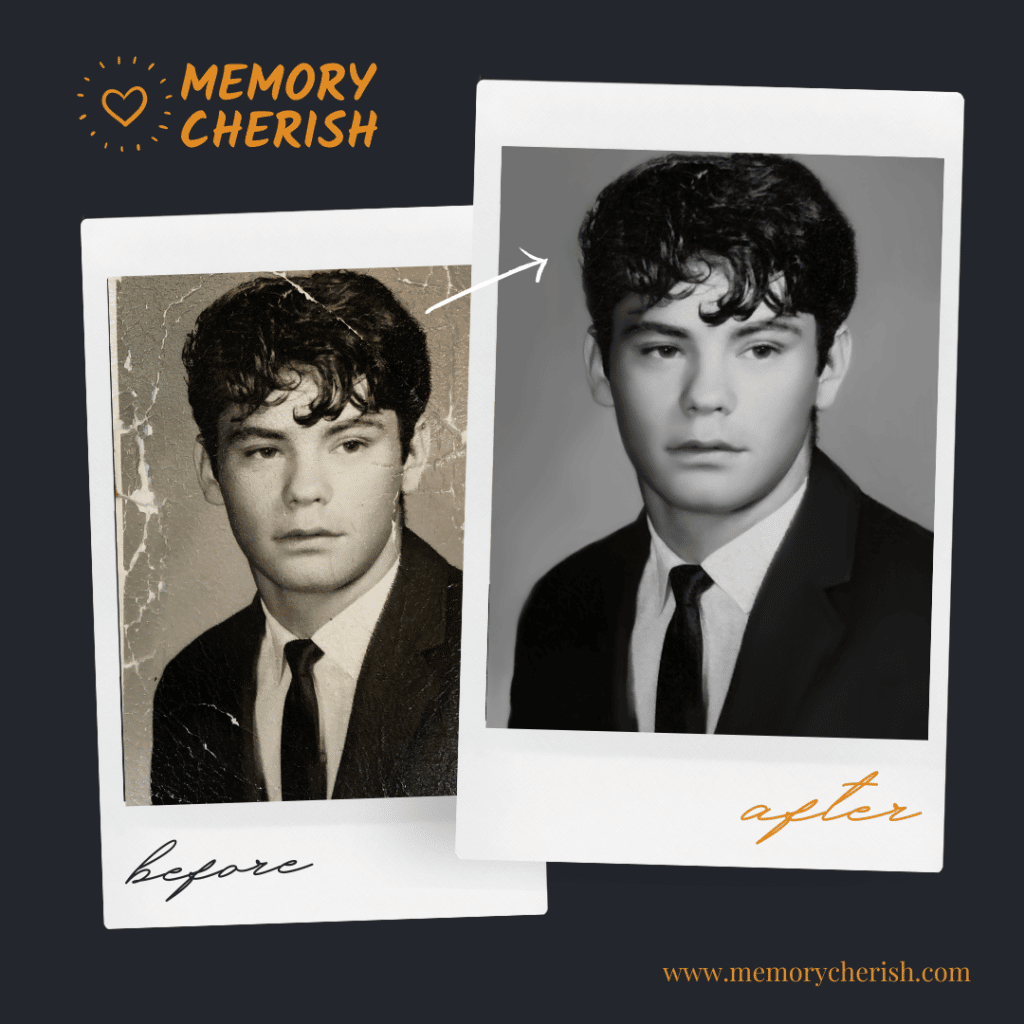
We are MemoryCherish, the #1 photograph restoration company nationwide. With a little description, we will enhance your low-quality images to the optimum resolution for your desired size.
How Do We Fix Your Picture?
Our specialty is photo resolution of blurry and old photos!
Our restoration artists will closely examine and enhance your blurry image, remove stains, mold, blur, refine and add more detail and color to each picture.
No matter how many photos you want to fix, we won't stop until they are in the best condition. We can handle any damage on any photograph!
Our commitment to producing stellar quality restoration service has even landed us on news reports by ABC, NBC, and FOX news.
What Do You Need To Do?
You need to carefully scan this photograph.
Then, you upload it and pick your restoration options.
You place your order, and that's it.
How Long Does It Take?
We would restore and send a digital copy of your sharpened image back to you by email in as little as 24 hours. If there is anything you would like us to change on your restored image, revisions are allowed on every restoration, completely free!
Can I Contact Someone For More Information?
Our customer support is available 24/7 to answer any further questions. You can send us an email at: support@memorycherish.com.
Ready to restore your own photos?
Our artists bring your damaged photos back by hand, most within a few days.
Rated 4.96 out of 5 stars.4.96/5 · Loved by 400,000+ families